
The World Before Social Media?
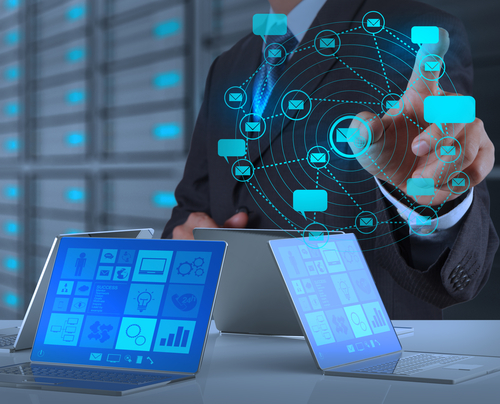
Do you always wonder how it was like before the existence of social media.Well i hope the illustration below may provide an inside look.

Social Media


Computers
Types of Personal Computer
- Laptop
- Tablet
- Desktop
Mobile computer is a portable personal computer.
Portable means user can carry it from one place to another place
Anyone who interact with the computer it called as User
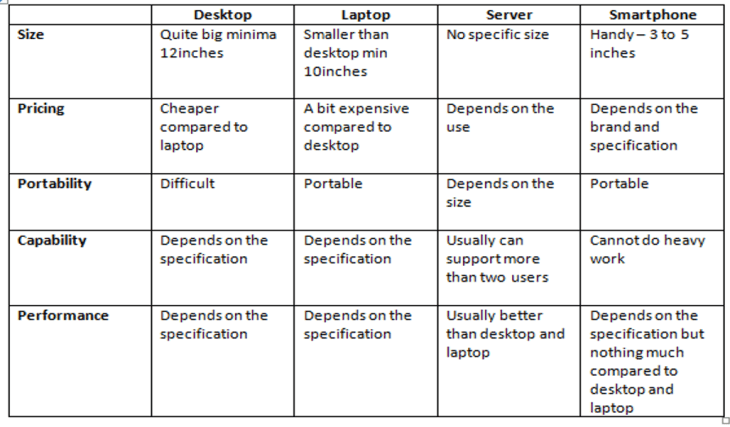
So which is best?
It depends on the User’s need.
Define your need:
1.Portability
2.Power Supply
3.Space
4.Cost
5.Working task
Supercomputers

So what are Supercomputers?
- A computer with a high-level computational capacity compared to a general-purpose computer.
- A computer with great speed and memory
- They can do jobs faster than any other computer of its generation.
- They are usually thousands of times faster than ordinary personal computers made at that time
Examples of supercomputers


Advantage and Disadvantage
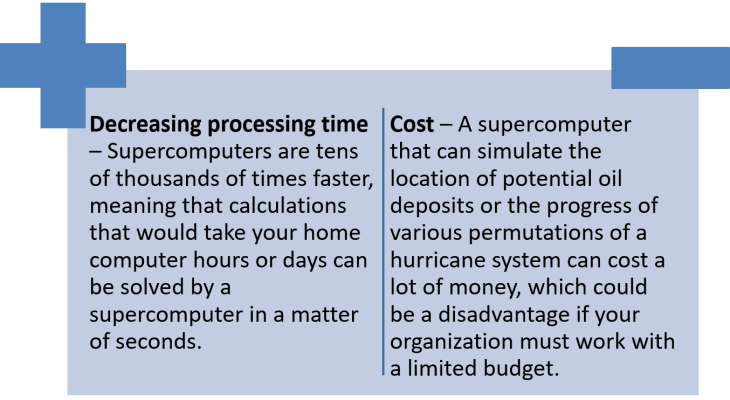
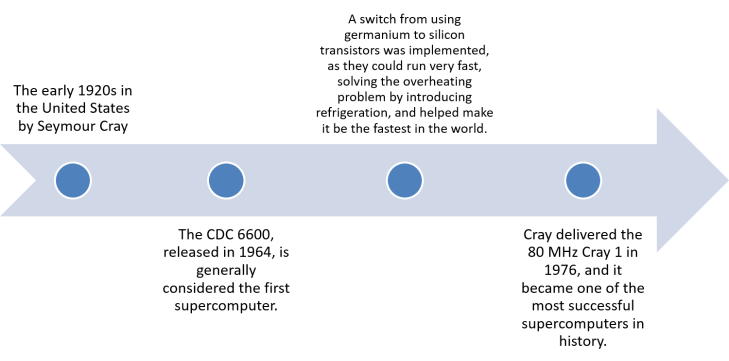
History of supercomputers
Mobile Computers
- It is a device that can be used both as a computer and also as a phone that is used to transmit data and to communicate.
- A mobile computer is the only computer that is portable.
Types Of Mobile Computers
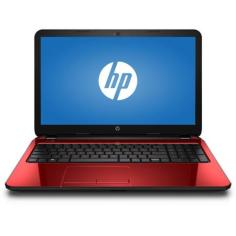
1.Laptops – A portable PC
2.Ultrabooks – Slimmer version of laptops

3.Netbook – Smaller laptop
4.Tablet
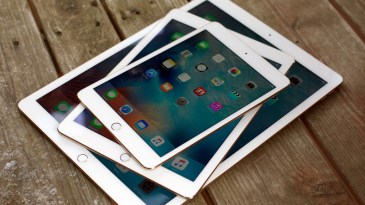
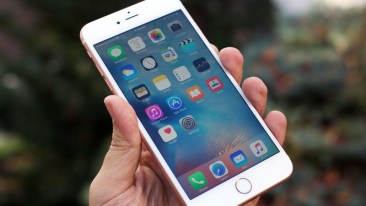
5.Smartphone
6.E-book Reader -That thing you download e books on .Basically Kindle

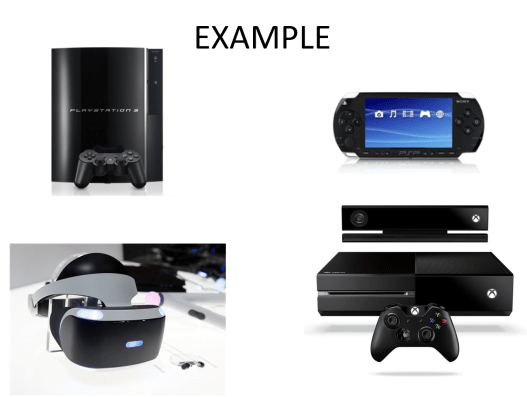
7.Mobile Game Consoles

8.Media Player – Ipods ,music players ect.
Game Consoles
- A form of interactive multimedia used for entertainment.
- Consists of manipulable images and sounds generated by video game console
- Displayed on a television or similar audio-video system
ADVANTAGES
- Every game you buy will work on console
- Easy connectivity with tv
- Controller fits in the hand perfectly(good posture)
- Sociable
- Make you smarter(strategy)
- Hand and eye coordination
- Quick thinking and reflexes
- Release stress
DISADVANTAGES
- After a few years your console will be outdated
- Not all genres of games can be played on console
- Distracting
- Eye damage & bad posture
- Unsociable, isolated from family and friends
- Poor academic performance
- General fitness is neglected
EXAMPLES
Mainframe Computers
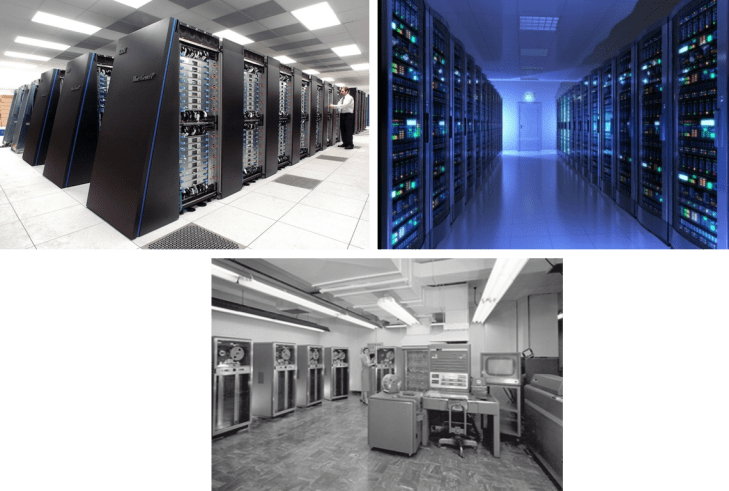
Mainframe computers are computers used primarily by large organizations for critical applications, bulk data processing, such as census, industry and consumer statistics, enterprise resource planning, and transaction processing.
IBM zSeries, System z9 and System z10 servers.
CHARACTERISTICS
- Run multiple programs concurrently.
- Support many concurrent users.
- Support new and legacy software.
- Run many different kinds of operating system (z/OS, Linux, etc).
- Uninterrupted operation
- Process the large amount of datas (Credit cards, transactions, payroll processing etc.)
ADVANTAGES
- Security: Mainframe computers have extensive capabilities for securely storing and protecting data.
- High-end scalability: The scalability of a computing platform is its ability to perform even as processors, memory, and storage are added.
- Compatibility: They support applications of varying ages.
- Long lasting performance: Once installed, mainframe systems work for years and years without any major issues or downtime.
DISADVANTAGES
- Requires backwards-compatibility with Mainframe Operating Systems.
- Dedicated staff are needed to run the system.
- Initial start-up costs can be high, compared to client-server networks – which can start small and be expanded later. A small client-server system might be all you need.
- By default, there is no geographical distribution built into the system, and this is something that client-server networks are designed for.
- They can take up a lot of space and require dedicated environmental management, for example, cooling systems.

 Amin's World Of Technology