
Introduction
- Output is processed data from computer.
- Output device is a hardware that enable user to send out the processed data out of computer.
- It can take a form of Image, Text, Sound, Graphics and Video
EXAMPLES OF OUTPUT DEVICES
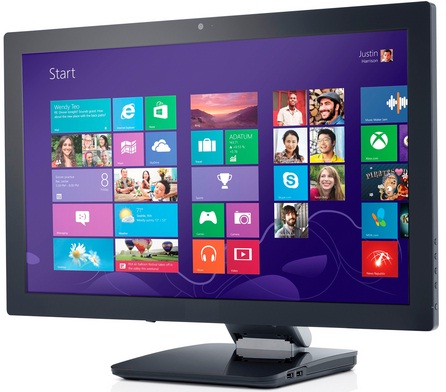
- Monitor
- Printer

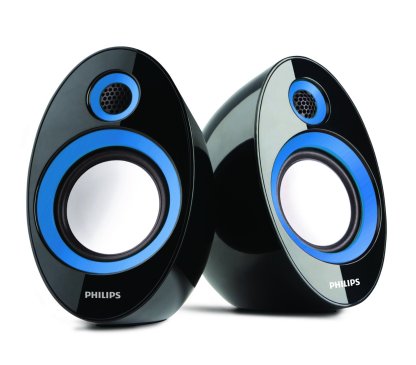
- Speaker
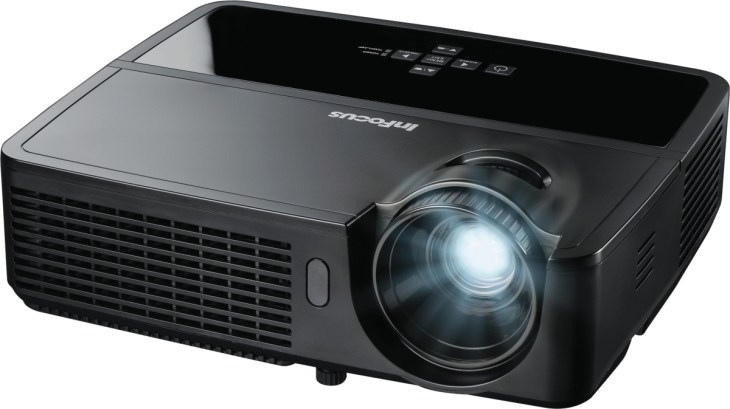
- Projector
FACTORS OF QUALITY FOR PICTURES
- Resolution
-Is controlled by the number of pixels displayed on the screen
-The higher resolution, the sharper and the clearer of the image
- Dot pitch
-Is the diagonal distance between pixels of the same colour on the screen
-The smaller dot pitch (less blank space) the clearer of image
When Choosing a printer keep this in mind
- Speed
– Determine by Pages Per Minute (ppm)
- Resolution
– Is measured in Dots Per Inch (Dpi)
- Use and Cost
TYPES OF PRINTER
Types of Printer:
1.Ink-jet printer (cheaper compared to laser printer)
2.Laser printer (can print faster compared to ink-jet)
3.Thermal printer (to print receipt)

 Amin's World Of Technology